
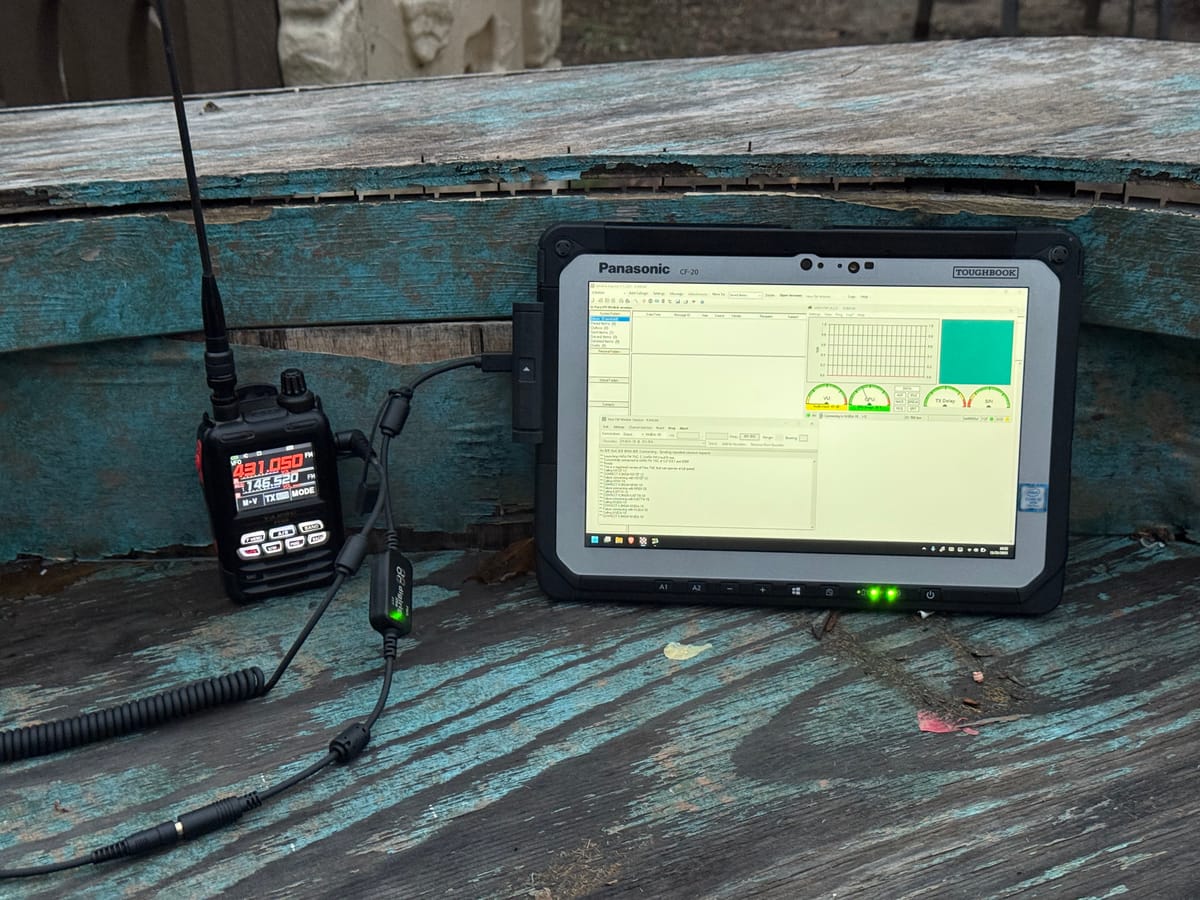
Every once in a while, an aspect of amateur radio lands on my lap that gets me really excited. SOTA (Summits on the Air) (”ham hikes”), HF (low frequencies letting us talk to operators around the world), and now Winlink. The hobby of a thousand hobbies, they say! I know I’m late to the party. Folks were using this when I was in elementary school. But better late than never
I have to credit Brian (WA6JFK) for planting the seed long ago. I had started to poke at it but then hit a snag that stopped my momentum, and I eventually forgot about it (lol, ADHD). Then around a month ago Alexis (WZ1EEE) mentioned it and I thought “okay, today’s the day. Me, Claude AI, the docs, and those two on Discord. If I can’t make this work then I’m dead inside.” And with a little more tweaking there we were, sending emails to each other over our ham radios! Plain text emails, attachments, GPS position reports, and in the case of Alexis who participates in EMCOMM, a cool “sitrep” template used during training exercises and actual disasters
But keep reading. There must be some truly brilliant minds behind it, because the execution of Winlink has made it truly a marvel: flexible, robust, and accessible- so much so that FEMA uses in disaster zones
We’re lucky to live in Los Angeles (most of the time) because there are many stations around that connect Winlink from VHF radio waves to the internet. There are several to choose from. And if that wasn’t the case, one can connect via HF (or the internet if you want to cheat, which I sometimes do)
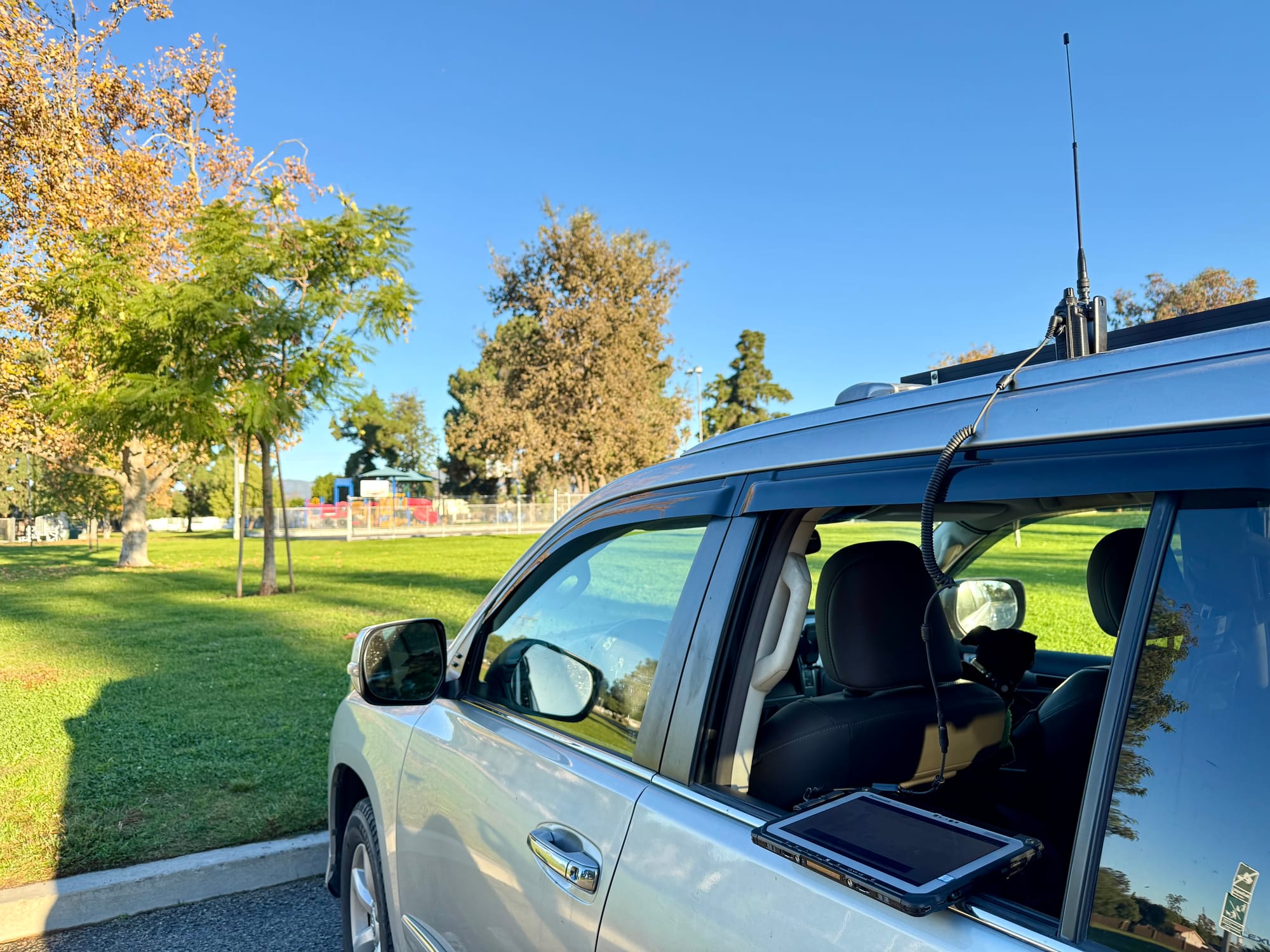
And what I really love about Winlink is the ability to connect with unlicensed folks using regular email. That is so extremely powerful and means I can:
- Contact loved ones in a grid-down situation. Depending on how wide spread, maybe that’s an out-of-state friend that can help relay info for us
- Setup or use pre-existing automated systems to reply to my requests for info
- Most importantly, send selfies from mountain tops without cell reception
Some notes:
- Not just anyone can email me at my Winlink address (at the end of this). I have to initiate by emailing them first
- Since it’s against FCC policy for amateur operators to encrypt data, all of this data is intercept-able, and kept in a log any amateur operator can view that is retained for two weeks. So it can’t replace a private email account where you receive bank emails, password resets, etc. And that’s fine- it’s not meant to
Choices (Programs/Apps, Connections)
There are many ways to connect to Winlink to send/receive email, or send position reports. This very flexibility is one of the things that makes Winlink so appealing to me. VHF, UHF, HF, Telnet (internet), and beyond. Choose what works for you in the moment! I generally connect to internet-connected stations to send/receive my messages. But one can also do Peer-to-Peer connections, which is pretty neat too
Like the connectivity options, there are many options when it comes to programs for Windows, macOS, Linux, iOS, and Android. Here’s a comparison table of desktop apps: https://winlink.org/ClientSoftware
Here are some examples of complete setups- my three stations:
- Portable/backpack: Yaesu FT5D, Digirig Lite, Digirig cable, Panasonic Toughbook (laptop tablet thing)
- Home: Yaesu FT-991A connected directly to a PC via USB cable
- Mobile: ICOM IC-7000, Digirig Lite, Digirig cable, Panasonic Toughbook
Perhaps you’ve noticed a pattern. We need some sort of compute device with an operating system, a radio, and a way to get the signals from one to the other and trigger PTT (Push To Talk/transmit). The Digirig devices are like little sound cards that also trigger PTT/transmit. Unlike FT8, I can assure you that you cannot manually PTT here
Get Started
My two cents is to check out the videos below and Google search “Winlink your_radio” because somebody has probably put together some info showing how to achieve the necessary mode, connection, and settings
And don’t hesitate to get in touch with any questions I, admittedly a n00b, may be able to answer: About / Contact! Send me a Winlink email when you’re up-and-running: k3mgm@winlink.org
🙂

Member discussion: